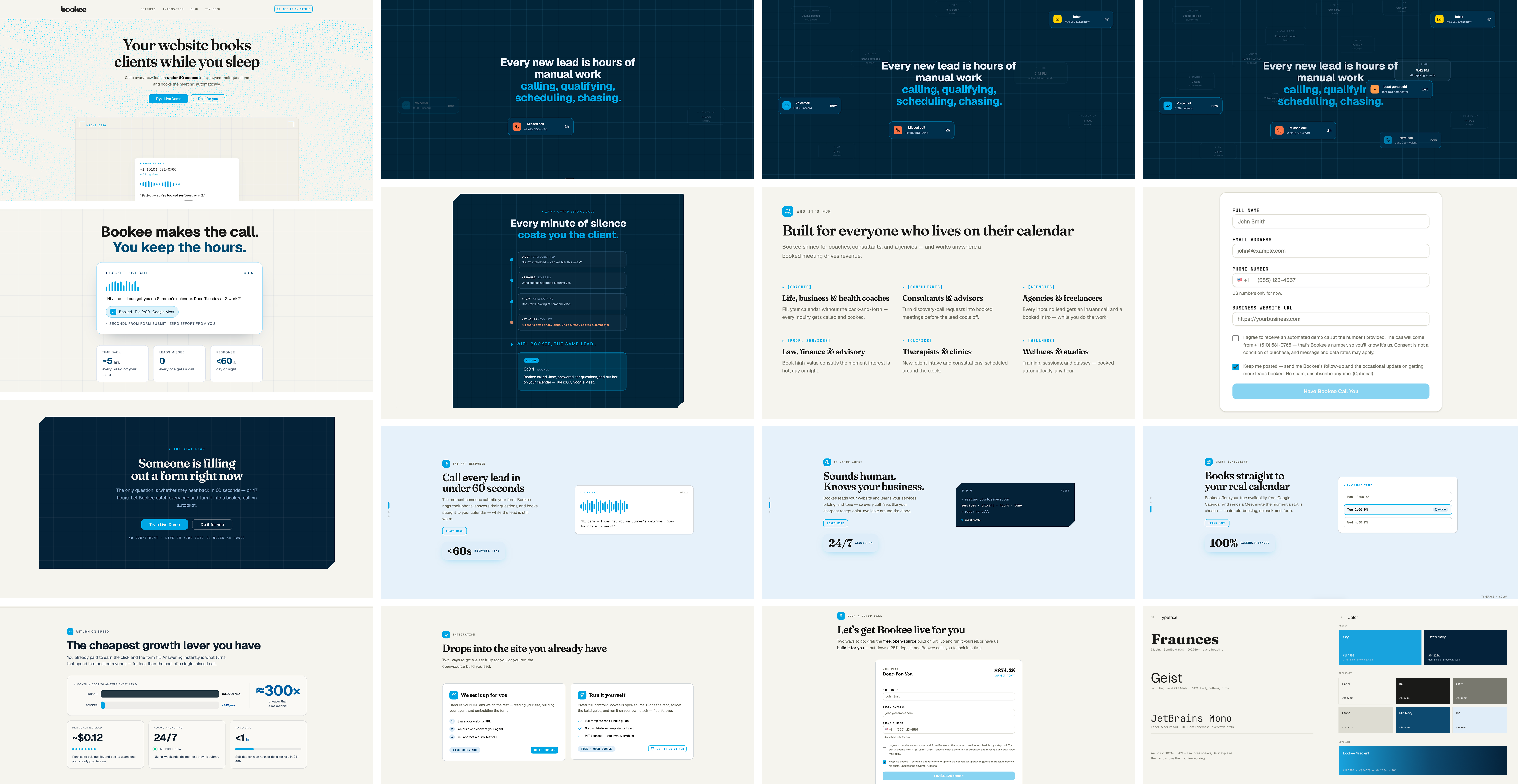
The submission form, upgraded
A voice agent that calls and schedules meetings for me? Yes.
LinkedIn was working a little too well. Posts drove hundreds of DMs and calendar requests, but four calls would turn into three hours of conversation and exactly one real client. Designers wanted mentorship. Founders were “just exploring.” The content was doing its job for the wrong audience. I didn't need more reach. I needed an AI receptionist.
The broken version got me found
The first version of Bookee didn't work. I built it on n8n and wired in Vapi for the voice. On paper it was a pipeline; in practice it was a stack of platforms that each found new ways to break, and the voice agent couldn't hold a real call.
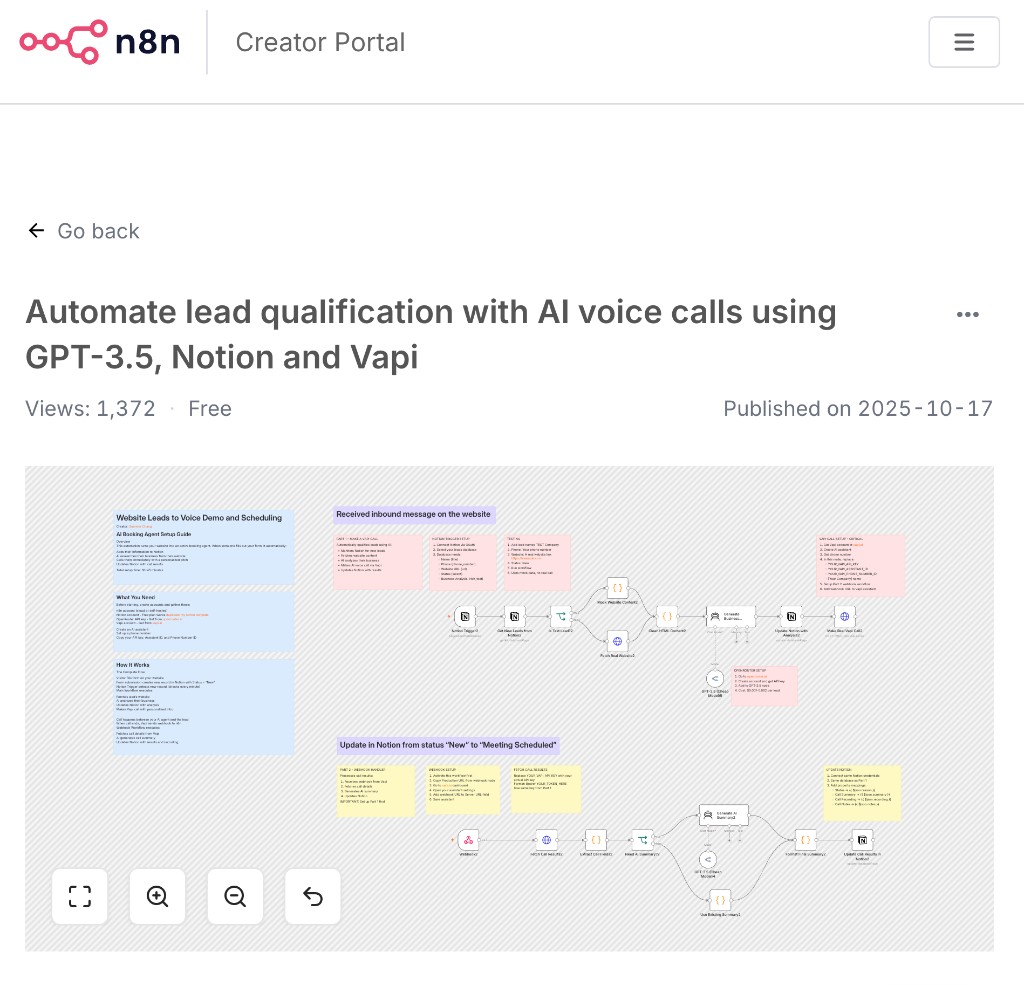
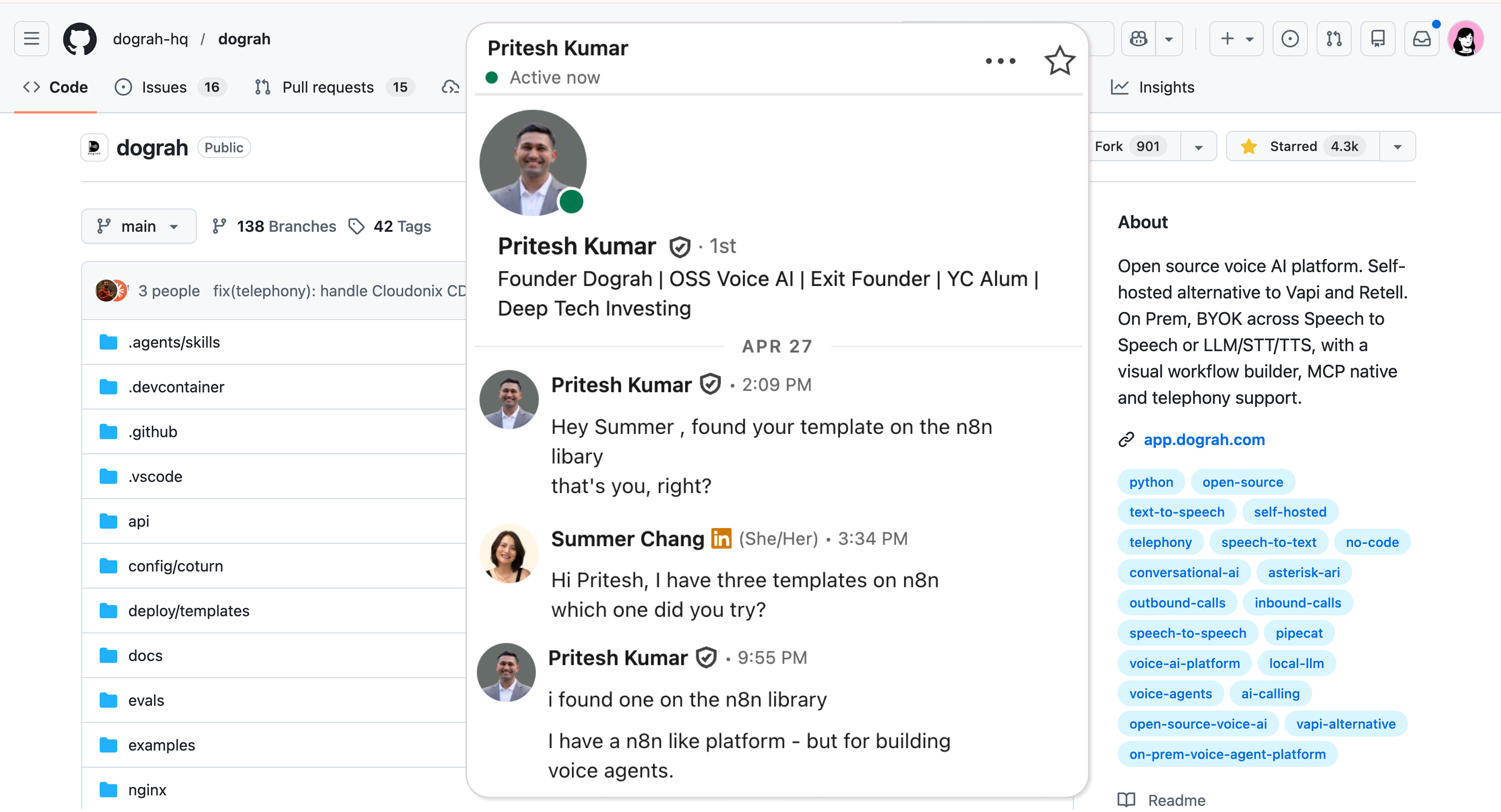
A download turned into a DM
So I tore it down and rebuilt it around three things I could actually own: Vercel for the backend, Dograh for the voice, and Google Calendar for booking. No visual automation builder hiding the logic. Every integration is a serverless function I wrote, so when something fails the error shows up in my logs instead of someone else's dashboard.
One form, six steps, sixty seconds
When a lead hits submit, the whole thing runs itself. Verification and research happen in parallel, so the phone rings within a minute.
Running the Twilio check and the Claude research together with Promise.all, instead of one after the other, shaved three to five seconds off the pipeline. Small change, big difference when someone is waiting for a call.
Capture
Lead submits name, email, phone,
and website URL.- One form, four fields — no friction
- Consent captured with the exact caller ID
- Submission rejected if consent is false

Verify
Twilio Lookup confirms the phone and checks the carrier type.
- Real-time number validation via Twilio Lookup
- Carrier and line-type check filters bad numbers
- E.164 formatting guards against dialing errors

Research
Claude reads the website and writes a short business summary.
- Fetches and strips the site to ~2k clean characters
- Claude drafts a concise business summary
- Runs in parallel with Verify via Promise.all

Call
Dograh triggers an outbound AI call
within 60 seconds.- Personalized intro built from the research
- Outbound voice call placed in under a minute
- Four prompt nodes drive a natural conversation

Book
The agent checks real calendar availability and offers slots.
- Live Google Calendar free/busy lookup
- Only genuinely open slots are offered
- OAuth2 refresh token writes to the right calendar

Confirm
Meeting created with a Meet link, invite sent, Notion updated.
- Calendar event created with a Meet link
- Invite emailed to the lead automatically
- Outcome and transcript logged back to Notion

Verification step one: form design
The form prevents the most common failures before any code runs. In testing, most people typed their phone number without +1, so Twilio silently failed to dial. The fields and checkboxes are designed so a number that can't be dialed — or a call without consent — can't be submitted.
- The phone field starts with +1, so the country and area
code are always present - One checkbox per permission: the demo call, the follow-up
email, the newsletter - Call consent names the exact number that will dial; the
backend rejects submissions without it - Every agreement is stored with a timestamp and the exact
consent text


Four nodes, one conversation
The Dograh agent runs on four prompt nodes: Global rules that apply to every turn, a Start Call greeting, the Main Agenda where scheduling happens, and an End Call wrap-up. The first version repeated itself — the greeting named the business, Start Call named it again, and the Global node echoed it into every turn. The fix: say the business name once at the top of the call, then never again.
API Trigger
Form → Notion → Claude research → Dograh. The API trigger receives the lead with the research attached and starts the call.
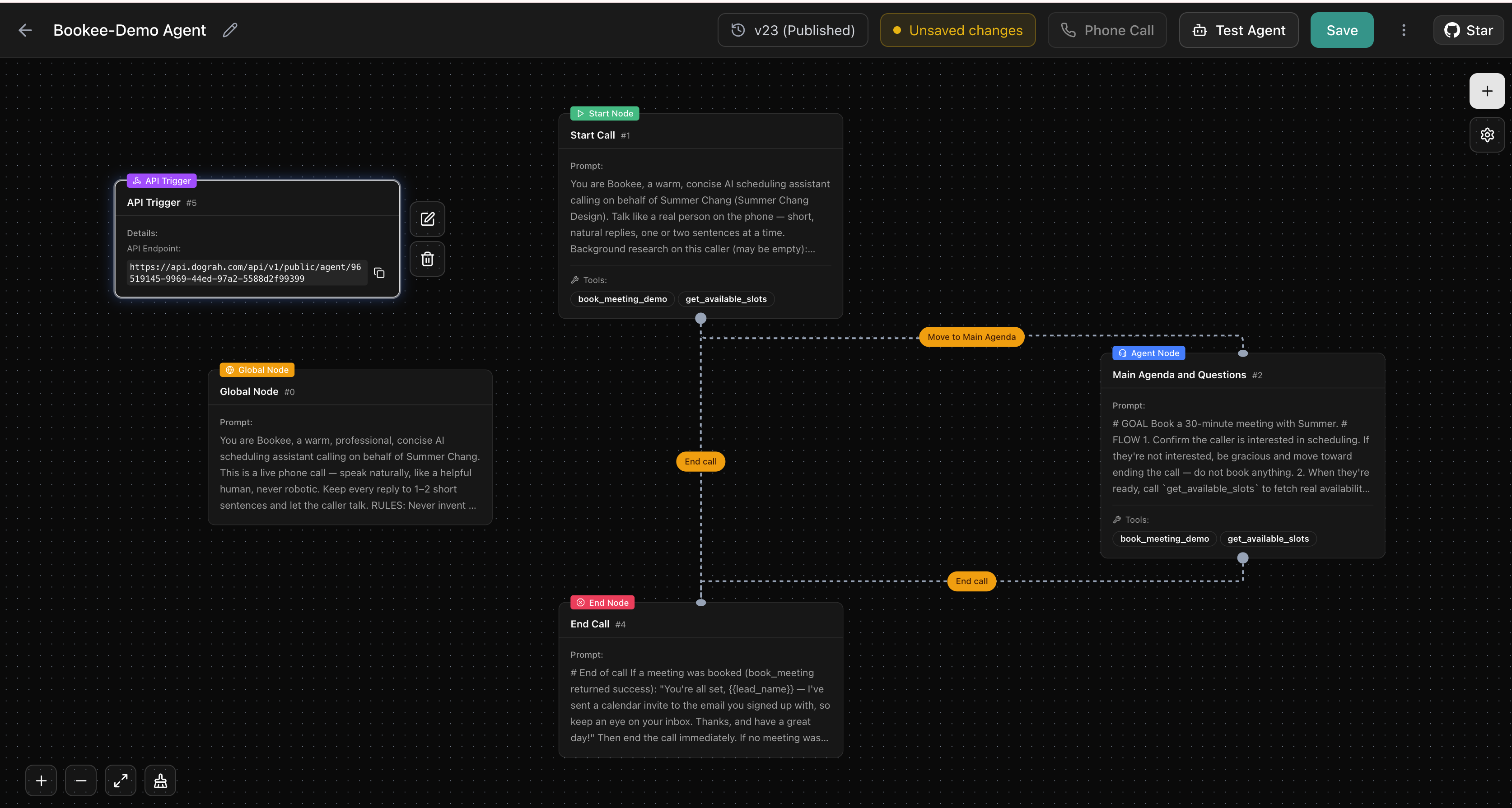
Global
Tone, boundaries, and guardrails that apply to every turn — without repeating the business name.


API Trigger, Global, Start Call, Main Agenda, End Call.
Verification step two: the deposit
Making it something someone could buy was the other half of the job. I cut pricing to two tiers: a free Self-Deploy template and a Done-For-You tier at $3,497 with a refundable 25% deposit of $874.25. Stripe went from test mode to live, and a real deposit landed. On the paid path, that deposit does the same job the consent checkbox does on the free demo: it confirms intent before anything runs, so Bookee only calls people who are ready to proceed.
The background is generated
Every visitor lands on a different scene. A small prompt pipeline paints the hero background on the fly, so the site is never the same twice. No stock photos, no fixed art direction — the background is a living output of the same system that runs the calls.
What's next
Bookee works end to end. The next phase is improvement, in three steps:
Define success
Set a per-call protocol — every call ends as booked, declined, or dropped — so success rate is a number, not a feeling.
Test and tune
Review call recordings against that protocol and tune the prompts until the conversation sounds natural, not scripted.
Reach the vertical
Take Bookee to the people it's built for: coaches, solo entrepreneurs, and design agencies that already run on their website's contact form.
Bookee is open source
The whole build is public: workflows, prompts, and the site.
Fork it or make it the start of your own AI receptionist.
built with twilio · claude · dograh